
ConnectWise is a powerful PSA. QuickBooks (Desktop or Online) is one of the most widely used accounting systems among MSPs.
But when ConnectWise and QuickBooks are not configured correctly together, financial reports quickly become unreliable.
If you use ConnectWise with QuickBooks, here are the seven most common accounting mistakes MSPs make — and how to fix them.
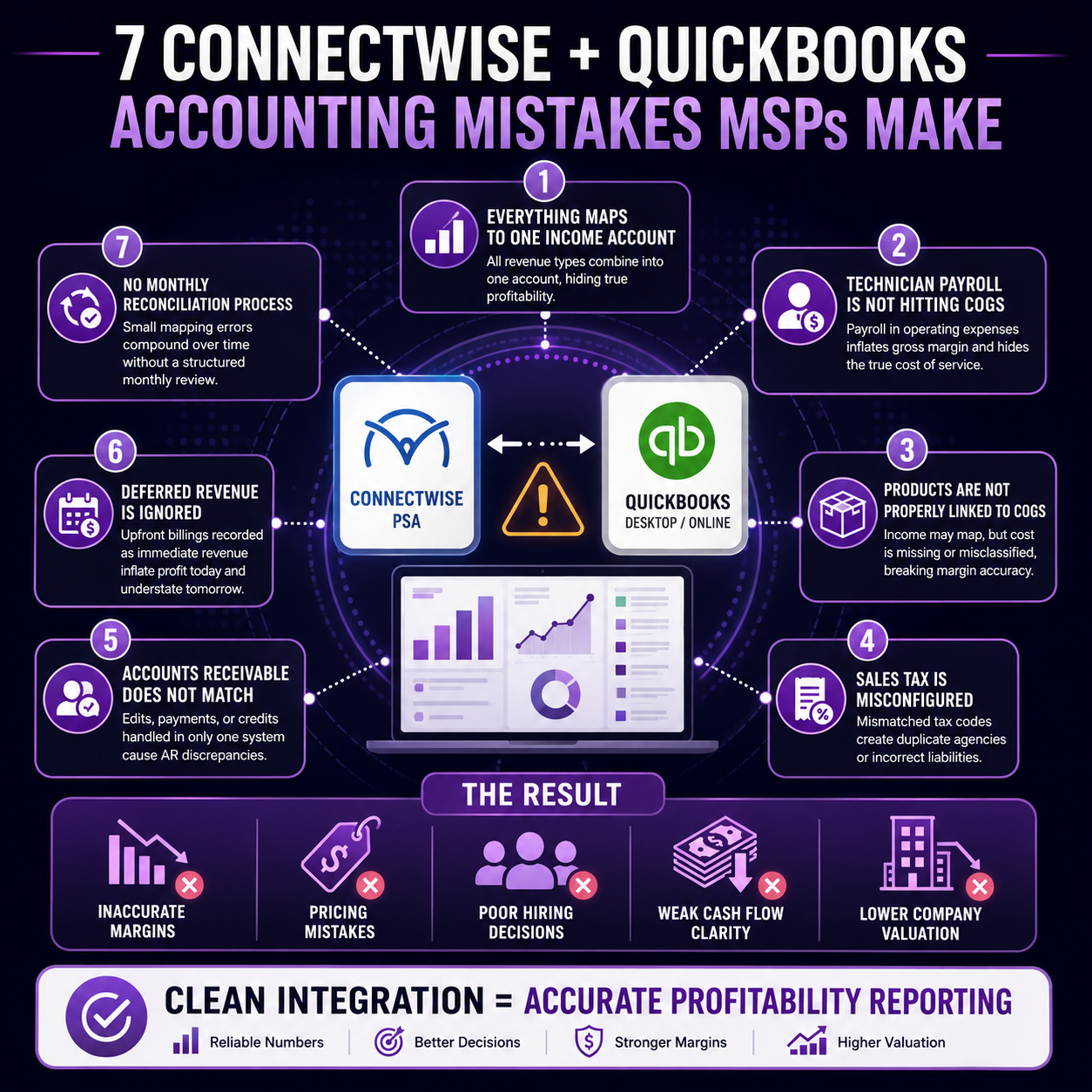
1. Everything Maps to One Income Account
Many MSPs allow all invoice types to sync into a single income account in QuickBooks.
That means managed services, projects, hardware, software resale, and break/fix revenue all appear as one number.
Without separating revenue streams, you cannot measure service-line profitability.
Fix:
Map ConnectWise product types to distinct QuickBooks income accounts:
• Managed Services Revenue
• Project Revenue
• Hardware Revenue
• Cloud/Software Revenue
2. Technician Payroll Is Not Hitting COGS
Payroll often runs through a general wage expense account under operating expenses. That means technician cost is not included in cost of goods sold.
This artificially inflates gross margin and hides the true cost of service delivery.
Fix:
Allocate technician wages to:
• Direct Labor – Service
• Direct Labor – Projects
Your gross margin may decrease — but it will become accurate.
3. Products Are Not Properly Linked to COGS
When hardware is invoiced through ConnectWise, the income may map correctly — but the cost side is often missing or misclassified.
Common issues include vendor bills coded to expenses instead of COGS or inventory not reconciled.
Fix:
Ensure product categories in ConnectWise align with matching COGS accounts in QuickBooks.
Revenue and cost must mirror each other.
4. Sales Tax Is Misconfigured
Sales tax syncing can become messy if tax codes in ConnectWise do not align properly with QuickBooks.
This can create duplicate tax agencies or incorrect tax liabilities.
Fix:
Confirm tax codes and agencies match between systems and review sales tax quarterly.
5. Accounts Receivable Does Not Match
If invoices are edited after syncing, payments applied in only one system, or credit memos mishandled, AR reports will not match.
Fix:
Choose one system as the source of truth for invoicing and payment application and reconcile monthly.
6. Deferred Revenue Is Ignored
Annual managed service contracts billed upfront are often recorded as immediate revenue.
This inflates profit in the billing month and understates future performance.
Fix:
Use a deferred revenue liability account and recognize revenue monthly as earned.
7. No Monthly Reconciliation Process
The most common problem is the absence of a structured review.
Without monthly reconciliation between ConnectWise and QuickBooks, small mapping errors compound over time.
Each month confirm:
• Total invoiced revenue matches
• Vendor costs are recorded properly
• AR aging aligns
• Deferred revenue balances are accurate
Why This Matters
If your ConnectWise and QuickBooks integration is not structured correctly, you may experience:
• Strong revenue but weak cash flow
• Inaccurate gross margins
• Pricing mistakes
• Poor hiring decisions
• Lower company valuation
What Clean Integration Should Provide
When structured correctly, you should clearly see:
• Managed services gross margin
• Project profitability
• Hardware margin
• Labor as a percentage of revenue
• Monthly recurring revenue stability
Schedule a ConnectWise Accounting Review
If you use ConnectWise with QuickBooks Desktop or Online and are unsure whether your financial reporting is accurate, I offer a focused MSP Accounting Review.
We evaluate:
• Chart of accounts structure
• Product and service mapping
• Labor allocation setup
• Deferred revenue handling
• AR reconciliation
The goal is not just clean books — it is clear, actionable profitability.
Because revenue growth is good.
But controlled, measurable profit growth builds long-term value.